Add an Application
Discover how to add your applications to the Kabeen inventory
The heart of Kabeen revolves around the discovery and documentation of applications. In this article, we present the different ways to add an application to your inventory.
Auto-discovery of Applications
Kabeen's strength lies in automating the discovery of your organization's applications. User agents can identify professional applications used among our catalog of over 80,000 items.
After a few days, you will be able to identify applications auto-discovered by Kabeen.
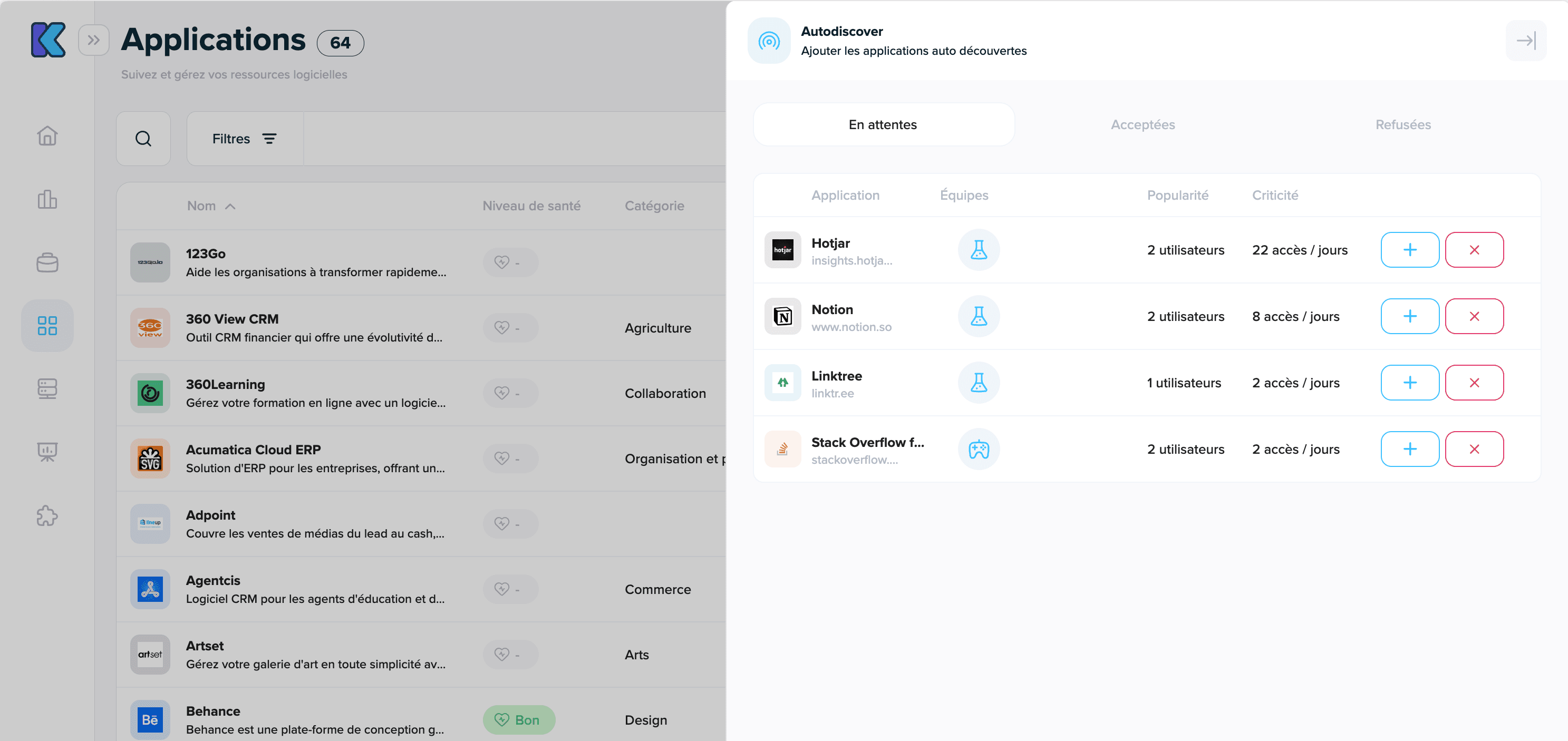
- Go to the Applications screen, then click the Discovered Applications button
- A panel opens displaying the different discovered applications awaiting your decision: You can integrate it into your inventory or reject it.
Adding an Application from the Catalog
You can anticipate auto-discovery by adding applications yourself to your Kabeen inventory from our catalog.
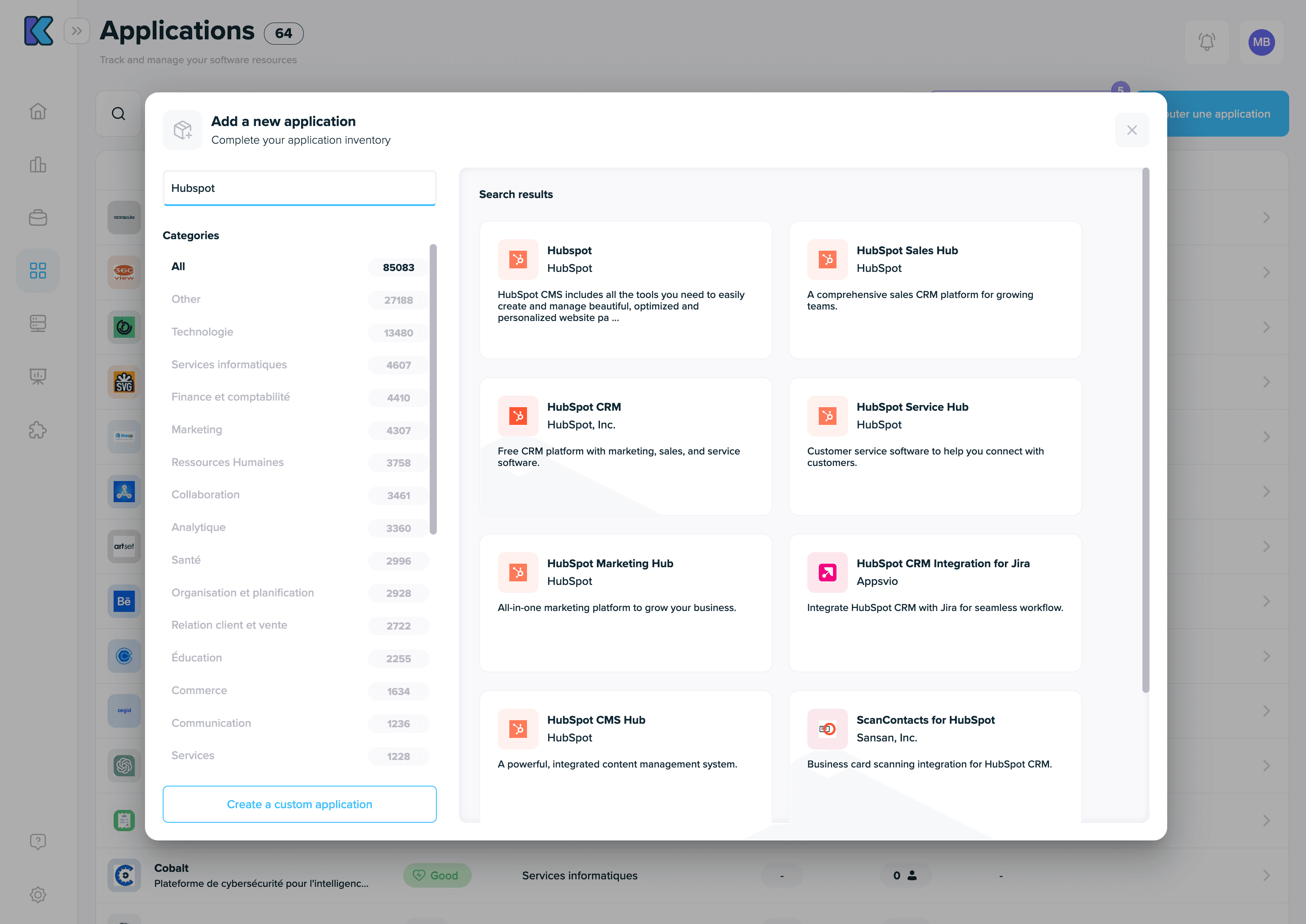
- Go to the Applications screen, then click the Add an Application button
- The catalog opens, you can search and add multiple applications using a "cart" mechanism.
Creating a Custom Application
Different situations may lead you to create a custom application:
- You want to add an application developed by yourself, your company, or a contractor. This application will therefore not be listed in our catalog.
- A vendor application is not available in our catalog.
In this case, we allow you to create an application from scratch. All documentation fields can be filled in.
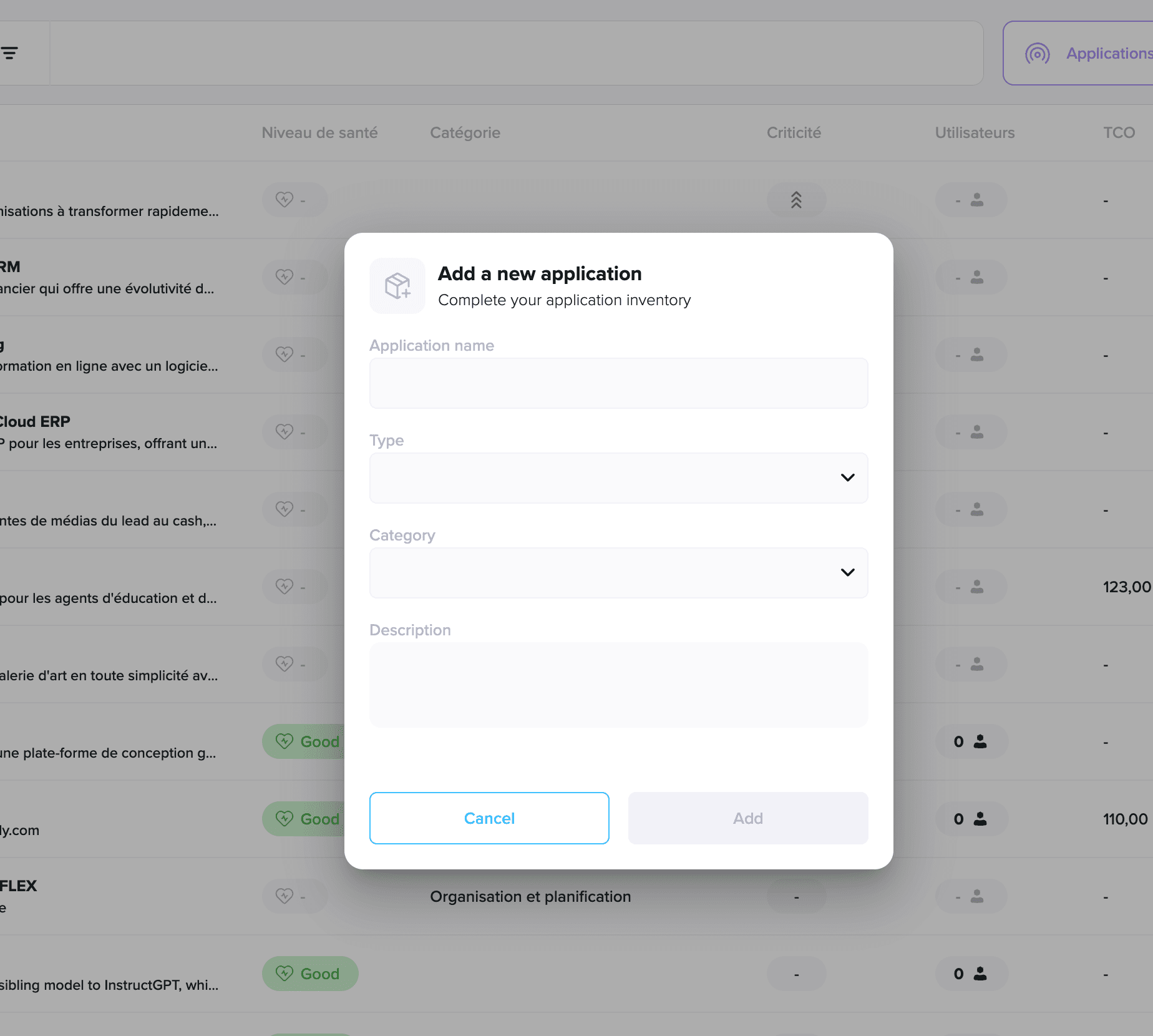
Creating this custom application involves the following steps:
- Go to the Applications screen, then click the Add an Application button
- From the catalog, click the button at the bottom left Create a Custom Application
- A new screen appears allowing you to enter the initial information.